
Save ChatGPT conversations that matter automatically
Ask NoteitHub to save it. It connects to ChatGPT as an app, and saving a conversation stores a short summary with automatic tags in a searchable dashboard instead of leaving it in chat history, where nothing is tagged. A saved chat can then become tracked to-dos or a journal entry on the same topic.
Turn chat history into searchable knowledge: save important threads, get a fast summary, add smart tags, and continue weeks later without rebuilding context.
Most ChatGPT conversations are disposable. But some are genuinely valuable: the plan you want to follow, the explanation you finally understood, the debugging steps that fixed the issue, or the strategy that made everything click.
The problem is that “ChatGPT history” is not an organization system. It’s hard to search, easy to forget, and it doesn’t help you continue later. NoteitHub lets you save important chats, generate a clear summary, auto-categorize with smart tags, and bring them back when you need them — so nothing useful gets lost.
Best for “I need this later” moments — when advice is too important to lose.
From chat history → searchable knowledge
NoteitHub turns saved conversations into organized entries you can browse, search, and reuse — instead of scrolling forever through old threads.
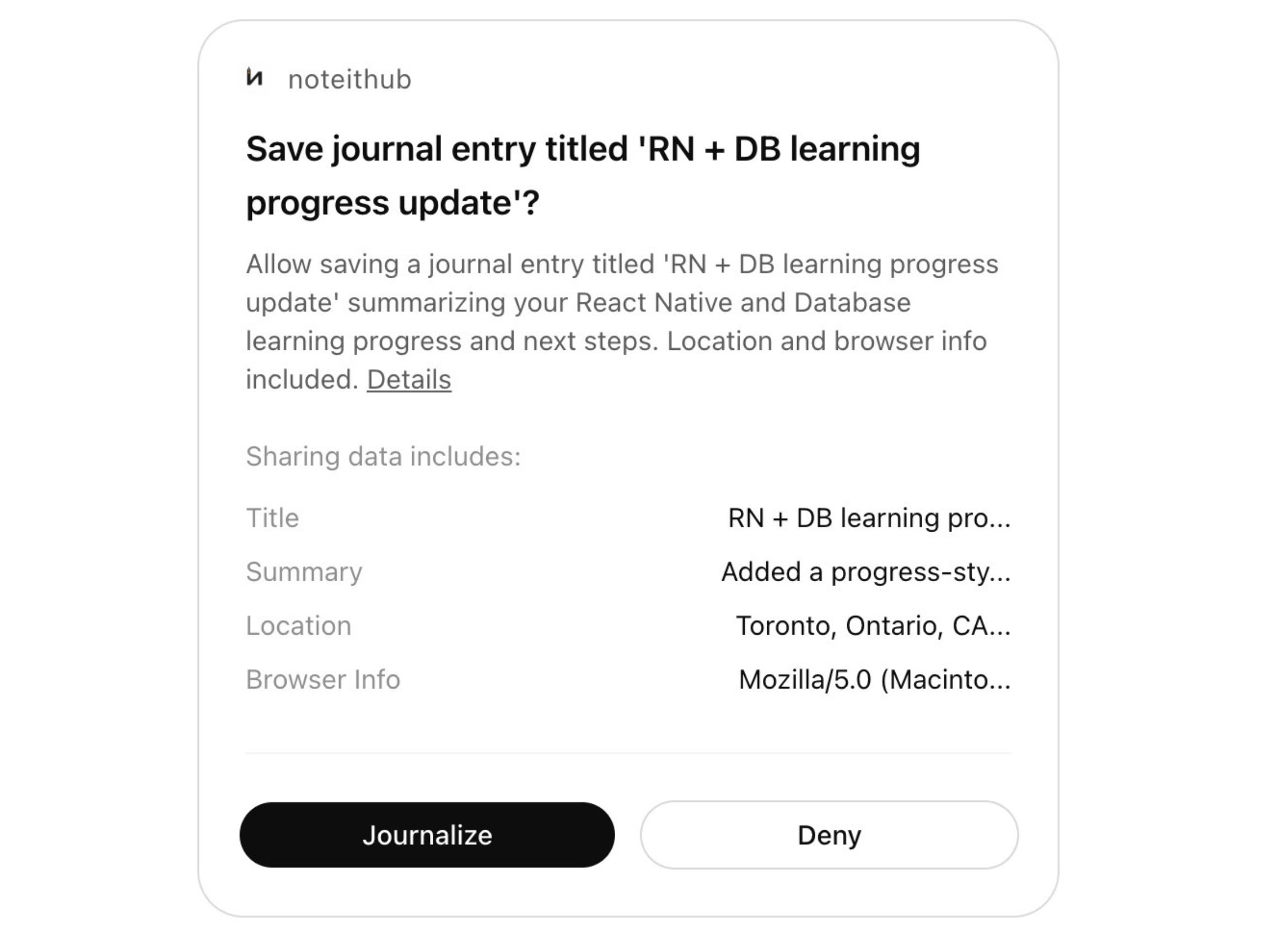
Save Journal
Saved chats become searchable entries with summaries, tags, and clear next steps.

Dashboard In NoteitHub
Turn saved conversations into trackable to-do lists and calendar blocks.
ChatGPT history vs a saved, searchable system
Saving isn’t just “keeping text.” It’s making the conversation easy to find, quick to understand, and useful when you come back later.
Feature
ChatGPT history
NoteitHub
Find old chats fast
Hard to search
Searchable entries + tags
Understand it in 30 seconds
You must re-read
Short summaries + key points
Keep next steps visible
Buried in messages
Action items extracted
Reuse across weeks
Context gets lost
Topic continuity + reminders
Turn into execution
Manual copy to other tools
Tasks + calendar blocks
Organize by topic
Everything looks the same
Smart tags + grouping
How to save ChatGPT conversations (the workflow)
This is the exact moment NoteitHub is built for: you’re mid-conversation and you realize, “I will need this later.” Save it once — properly — and keep it organized forever.
- 1) Save the conversation. Bookmark the thread when it becomes valuable.
- 2) Get a summary you can scan. Review key outcomes without re-reading a long chat.
- 3) Add smart tags automatically. Tags keep saved chats grouped by topic and intent (debugging, planning, learning, fitness, marketing).
- 4) Search and jump back to context. Find exactly what you need in seconds.
- 5) Reuse it later. Continue the same topic, turn it into tasks, or use it as a template.
Copy-paste prompts for saving better ChatGPT chats
These prompts help you turn a saved conversation into something you can actually reuse: a summary, tags, action items, and a plan you can execute later.
Save + summarize the key outcomes
Save this conversation. Create a short summary with: (1) key decisions, (2) the final plan, (3) open questions, and (4) next steps.
Extract action items from the chat
Turn this saved conversation into a to-do list. Make each task actionable, add a definition of done, and group tasks by priority.
Create searchable tags
Generate 8–12 tags for this conversation that I can search later. Include topic tags, intent tags, and tool/tech tags if relevant.
Turn the plan into a reusable template
Convert this conversation into a reusable template I can copy next time. Keep it structured with sections and checklists.
Schedule the next steps
Turn the next steps into calendar blocks. Estimate duration for each task and propose a schedule over the next 7 days.
Create a 'quick recall' version
Write a quick recall version of this chat in under 10 bullet points, optimized so I can understand it in 30 seconds later.
Why saving ChatGPT conversations is harder than it sounds
Most people assume they’ll remember where the good advice is. In reality, you end up with dozens (or hundreds) of threads that look the same. Even if you find the right chat, you still have to scroll, re-read, and rebuild context.
That’s why “save” alone isn’t enough. A saved conversation should be organized, searchable, and reusable. NoteitHub turns saved chats into a system you can actually work from — not an archive you never open.
Once a conversation is saved properly, it can become more than notes: it can turn into a living to-do list with progress, a ChatGPT journal, or a reusable template for work.
What people save (high-intent examples)
These are the kinds of conversations that people regret losing. NoteitHub makes them easy to keep and reuse.
Study explanations you finally understood
Save the explanation + key steps. Come back before exams and continue without re-learning from zero.
Debugging sessions and final fixes
Keep what you tried, the working solution, and the tradeoffs. Avoid re-debugging next month.
Workout programs and nutrition plans
Save the routine and update it over time as goals change. Your plan stays in one place.
Meeting notes and action items
Save outcomes, decisions, and follow-ups. Then turn them into tasks you can track.
Marketing plans and social calendars
Save strategy and reuse it every week. Turn the best ideas into repeatable workflows.
Founder decisions and product strategy
Save context so your decisions stay consistent across weeks of planning conversations.
Related guides (build topical authority)
These pages work together to turn ChatGPT into a system you can reuse across weeks of planning.
Frequently asked questions
How do I save important ChatGPT chats without losing them?
Save the conversation in a system that is searchable. NoteitHub saves the chat, summarizes it, and organizes it with tags so you can return later without re-reading everything.
Is ChatGPT history enough?
For quick chats, yes. For important plans and decisions, history becomes messy fast. NoteitHub turns saved conversations into organized entries you can actually reuse.
Can I turn saved chats into tasks or a calendar?
Yes. Saved conversations can become a living to-do list you can track and schedule.
What should I build next for SEO?
Build cluster pages that support this topic: ChatGPT To-Do List, ChatGPT Journal, and ChatGPT Task Manager.